
How to install a MetaTrader EA (MT4/MT5)
Downloaded an Expert Advisor and want to run it? Installation takes two minutes once you know the right folder. Here's the step-by-step, valid for MetaTrader 4 and 5, plus the settings that actually make an EA trade.
Step 1: open the data folder
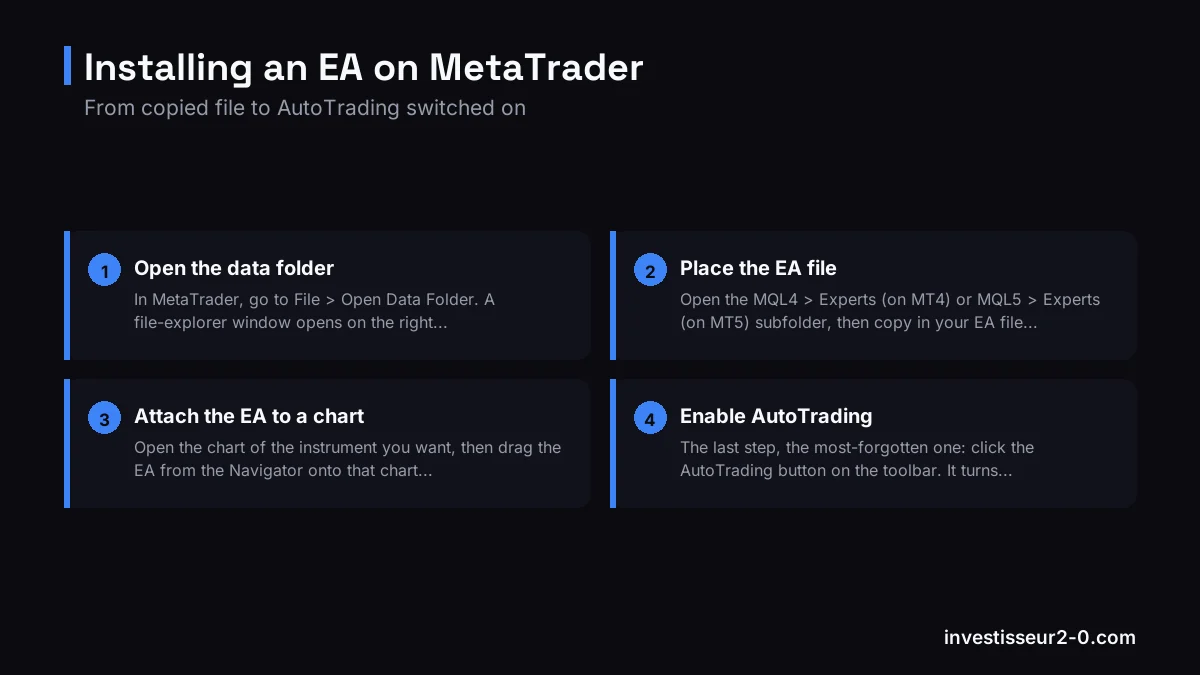
In MetaTrader, go to File > Open Data Folder. A file-explorer window opens on the right directory: this is where your EAs, indicators and scripts live.
Step 2: place the EA file
Open the MQL4 > Experts (on MT4) or MQL5 > Experts (on MT5) subfolder, then copy in your EA file: an .ex4 (compiled) or .mq4(source) on MT4, an .ex5 or .mq5 on MT5.
Step 3: refresh the list
Back in MetaTrader, in the Navigator, right-click "Expert Advisors" then Refresh. Your EA appears in the list.
Step 4: attach the EA to a chart
Open the chart of the instrument you want, then drag the EA from the Navigator onto that chart (or double-click it). A configuration window opens.
Step 5: set the options
In the "Common" tab, tick Allow automated trading (and "Allow DLL imports" only if the EA requires it and you trust it). In "Inputs", adjust the EA's settings (lot, stop loss, etc.), then confirm.
Step 6: enable AutoTrading
The last step, the most-forgotten one: click the AutoTrading button on the toolbar. It turns green and a small smiley face appears in the top-right of the chart: your EA is active. A sad face or a red button means the EA won't trade.
Where to run your EA
You need a MetaTrader broker that accepts EAs. Axi (CySEC-regulated) and BlackBull offer MT4 and MT5 with execution suited to automated trading. Start on a demo account: Axi account or BlackBull account. Want to code your own instead of installing one? Read our how to create an EA guide.
FAQ
Where do I put an EA file?
In the data folder (File > Open Data Folder), MQL4/Experts (MT4) or MQL5/Experts (MT5) subfolder, then refresh the Navigator.
Why isn't my EA trading?
Usually AutoTrading is off (button not green) or automated trading isn't allowed in the EA options. Check for the smiley face on the chart too.
Is installing an EA risky?
Technically no, but letting it trade live is. Test on demo and beware of "miracle" EAs.
Disclaimer. Automated trading via EAs carries a high risk of rapid capital loss due to leverage. Most retail accounts lose money. Only install EAs from trusted sources. This article is educational and not investment advice.