
How to create a MetaTrader EA (MQL4/MQL5)
An Expert Advisor is your strategy trading for you, around the clock, without emotion. Good news: you don't need to be an engineer to start. This guide shows you how to build your first EA on MetaTrader, from MetaEditor to backtesting, with a code example to understand.
What is an EA (Expert Advisor)?
An Expert Advisor is a program that automates a strategy on MetaTrader: it reads the market and places orders by your rules. It's written in MQL4 (for MT4) or MQL5 (for MT5), a language close to C, in the built-in MetaEditor. Before coding, pick your platform: our MT4 vs MT5 comparison helps you decide.
Step 1: open MetaEditor
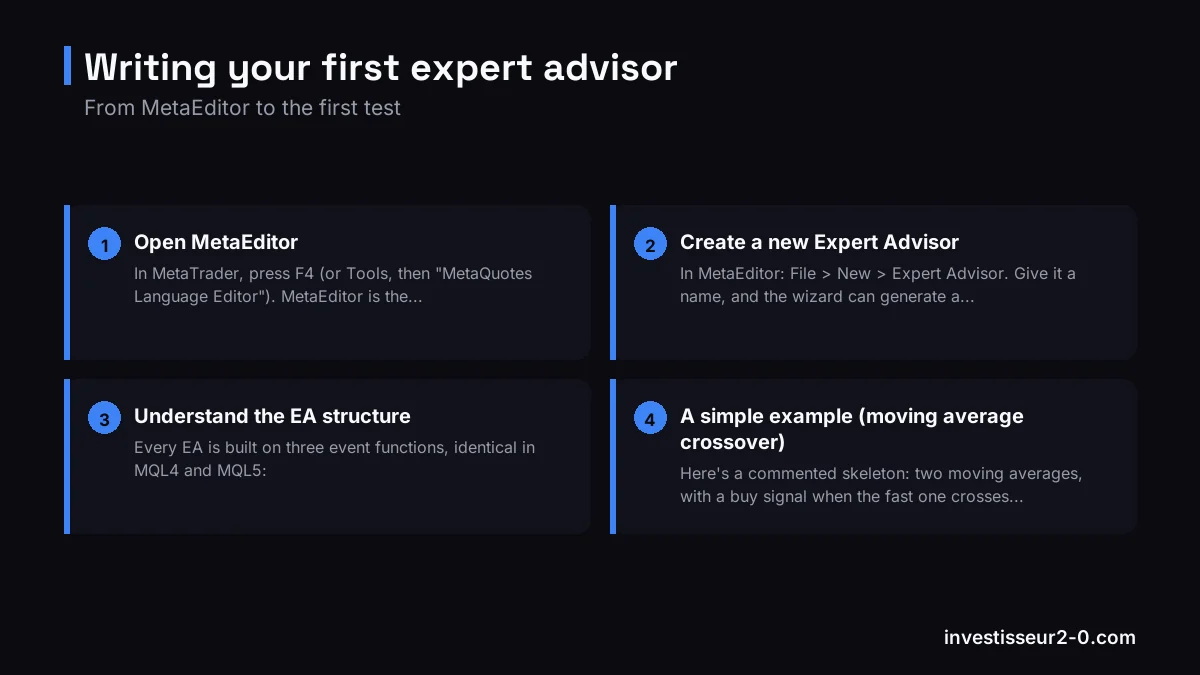
In MetaTrader, press F4 (or Tools, then "MetaQuotes Language Editor"). MetaEditor is the development environment where you write, compile and debug your EAs and indicators.
Step 2: create a new Expert Advisor
In MetaEditor: File > New > Expert Advisor. Give it a name, and the wizard can generate a starting skeleton. On MT5, the MQL5 Wizard even lets you assemble an EA from modules (signals, money management, trailing), handy to get going.
Step 3: understand the EA structure
Every EA is built on three event functions, identical in MQL4 and MQL5:
- OnInit(): runs once, when the EA starts (initialization).
- OnTick(): runs on every tick (price move). This is the heart of your strategy.
- OnDeinit(): runs when the EA is removed from the chart (cleanup).
Step 4: a simple example (moving average crossover)
Here's a commented skeleton: two moving averages, with a buy signal when the fast one crosses above the slow one. It's deliberately simplified to grasp the logic, not a ready-to-trade EA.
// Expert Advisor skeleton (MQL4 / MQL5)

input int    FastPeriod = 12;   // fast moving average
input int    SlowPeriod = 26;   // slow moving average
input double Lots       = 0.01; // position size

int OnInit()
{
   // Runs once when the EA starts
   return(INIT_SUCCEEDED);
}

void OnTick()
{
   // Runs on every new tick (price move)
   double fast = iMA(_Symbol, _Period, FastPeriod, 0, MODE_EMA, PRICE_CLOSE, 0);
   double slow = iMA(_Symbol, _Period, SlowPeriod, 0, MODE_EMA, PRICE_CLOSE, 0);

   // Bullish crossover -> buy (simplified logic)
   if(fast > slow)
   {
      // Place a buy order here (OrderSend in MQL4,
      // CTrade.Buy() in MQL5), with stop loss and take profit.
   }
}

void OnDeinit(const int reason)
{
   // Runs when the EA is removed from the chart
}
The next step is to add the real order placement (with stop loss and take profit), position-count management and lot sizing. In MQL4 you use OrderSend(); in MQL5, the CTrade class (Buy() / Sell() methods).
Create an EA with AI (Claude, ChatGPT, Gemini, DeepSeek, Grok)
Good news: you don't have to code everything by hand. AI assistants like Claude, ChatGPT, Gemini, DeepSeek and Grok write MQL4 and MQL5 quite well. You describe your strategy in plain English, ask for the MetaTrader code, paste it into MetaEditor and compile. If there's an error, paste the message back to the AI and it fixes it. It's by far the fastest path from an idea to a testable EA.
The workflow that works: (1) describe your entry and exit rules, risk management and timeframe precisely; (2) explicitly ask "in MQL5 for MetaTrader 5" (or MQL4 for MT4); (3) compile with F7 and feed each error back to the AI to fix; (4) backtest every time. The limit to keep in mind: AI produces code that compiles, but it doesn't know whether your strategy is profitable. An AI-generated EA is tested exactly like any other, on demo first, with strict risk management. We break down the method, the best AIs and a sample prompt in our dedicated guide: create an EA with AI (ChatGPT, Claude...).
Step 5: compile
Press F7 to compile. MetaEditor lists errors and warnings at the bottom: fix them until you get "0 error(s)". The compiled file (.ex4 or .ex5) then appears in MetaTrader, ready to use.
Step 6: backtest first
Never run an EA live without testing it. Open the Strategy Tester (Ctrl+R), choose your EA, the instrument, the period and the data quality, then run the backtest. Look at the maximum drawdown, profit factor and equity curve. A flattering backtest guarantees nothing: follow it with a demo-account test over several weeks.
Where to run your EA
To run an EA you need a MetaTrader broker. Axi (CySEC-regulated) and BlackBull offer MT4 and MT5 and accept EAs, with fast execution suited to automated trading. Many algo traders also rent a VPS to keep the EA online around the clock. Open an account (start on demo): Axi account or BlackBull account. And if you're starting from scratch on MetaTrader, first read how to use MT4 or MT5.
FAQ
What is an EA?
An Expert Advisor: a robot that automates a strategy on MetaTrader, written in MQL4 (MT4) or MQL5 (MT5).
Do you need to code?
For a real EA, yes (MQL4/MQL5 basics). The MQL5 Wizard helps you start without coding everything, and an AI can write the code for you (see above).
Can you create an EA with ChatGPT or AI?
Yes. Claude, ChatGPT, Gemini, DeepSeek or Grok write MQL4/MQL5: describe your strategy, ask for the MetaTrader code, compile, and feed errors back to the AI. It codes, but doesn't guarantee profitability: always backtest on demo.
Does an EA guarantee profits?
No. It automates a strategy without making it profitable. Beware of "miracle" EAs sold online, and always test on demo.
Disclaimer. Automated trading via EAs carries a high risk of rapid capital loss due to leverage. A positive backtest does not guarantee future results. Most retail accounts lose money. This article is educational and not investment advice.