
How to use MetaTrader 5 (MT5): the beginner guide
MetaTrader 5 keeps MT4's logic and adds more modern tools: a built-in economic calendar, depth of market, more timeframes and multi-asset access. This tutorial guides you from install to your first order, with the right risk-management habits.
Step 1: choose a broker that offers MT5
Like MT4, you get MT5 through a broker. We recommend Axi (CySEC-regulated) and BlackBull (MT5 plus cTrader and TradingView). Open an account to get MT5 and your login details: Axi account or BlackBull account. Start on a demo account.
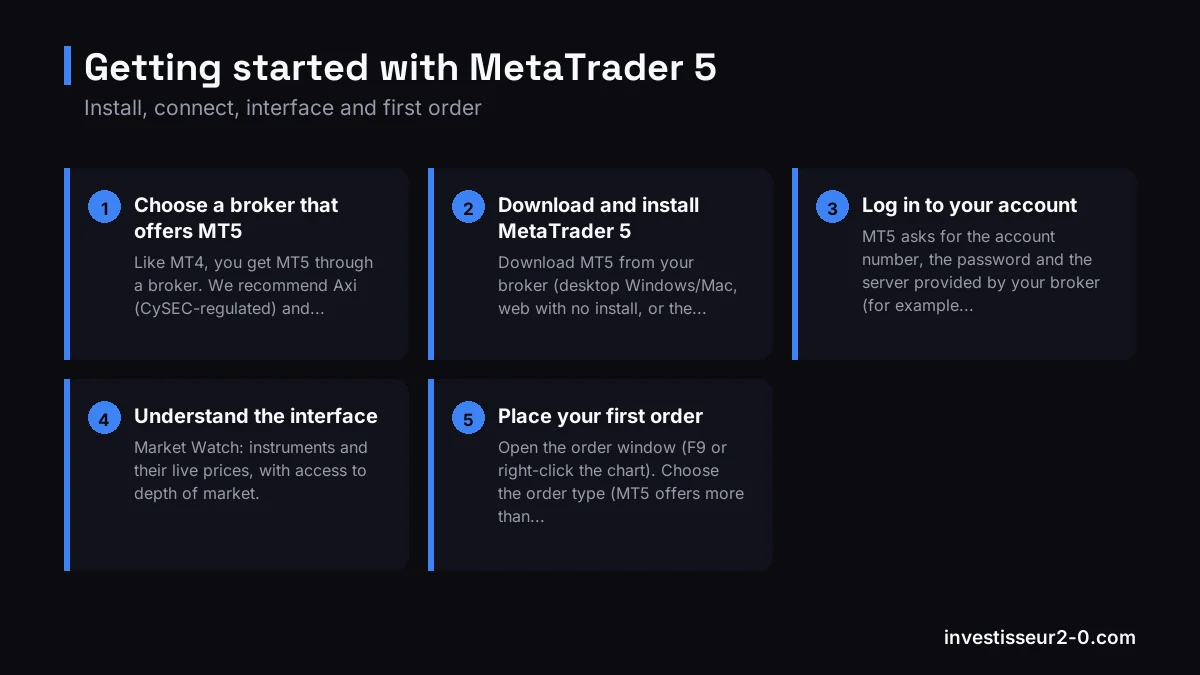
Step 2: download and install MetaTrader 5
Download MT5 from your broker (desktop Windows/Mac, web with no install, or the mobile app). Install, launch, then log in.
Step 3: log in to your account
MT5 asks for the account number, the password and the server provided by your broker (for example "BlackBull-Live" or a demo server). Enter them to access your account.
Step 4: understand the interface
- Market Watch: instruments and their live prices, with access to depth of market.
- Navigator: accounts, indicators and robots (MQL5 Expert Advisors).
- Toolbox (bottom): your positions, history and the built-in economic calendar.
- The chart: 21 timeframes (versus 9 on MT4) to refine your analysis.
Step 5: place your first order
Open the order window (F9 or right-click the chart). Choose the order type (MT5 offers more than MT4), the volume in lots (start at 0.01), a stop loss and a take profit, then execute. As always, size your position with our risk calculator to stay under 1% risk per trade.
Step 6: use MT5's own tools
This is where MT5 shines: the built-in economic calendar flags high-impact announcements, depth of market (DOM) shows available liquidity, and MQL5 robots automate your strategy. To go deeper on the differences, see our MT4 vs MT5 comparison.
FAQ
How do I download MetaTrader 5?
From your broker (Axi, BlackBull), as desktop, web or mobile. Avoid third-party sites.
MT4 or MT5 for placing an order?
Same logic, but MT5 adds more order types, depth of market, an economic calendar and 21 timeframes.
Is MetaTrader 5 free?
Yes, free through your broker. You only pay trading costs. A free demo account is available.
Disclaimer. CFD trading on MetaTrader carries a high risk of rapid capital loss due to leverage. Most retail accounts lose money. This article is educational and not investment advice.